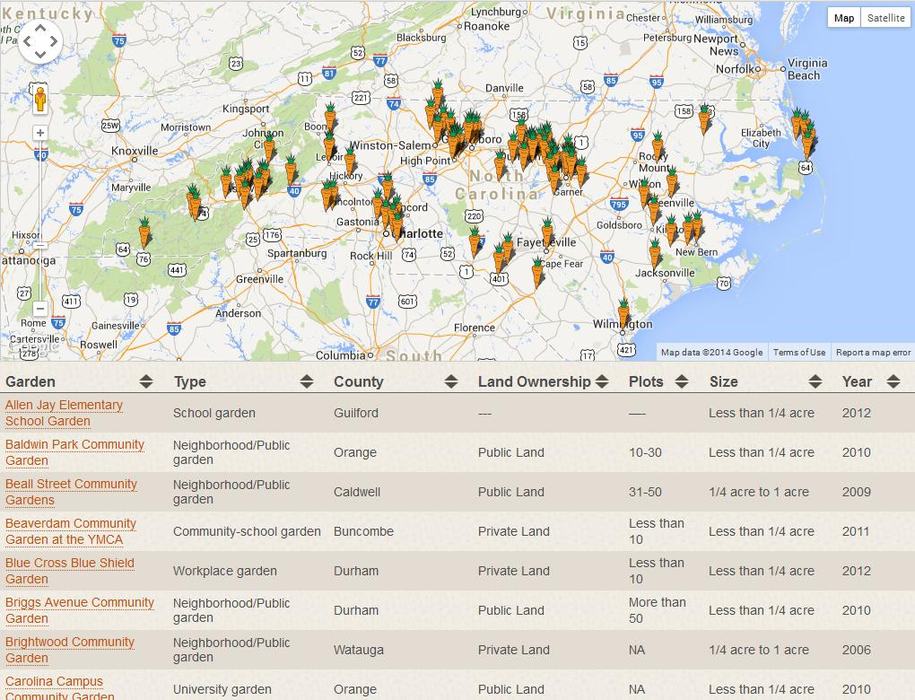
- Visit www.NCCGP.org
- Check to see if your garden is already listed in the Garden Directory. If it is, great! If not, please continue.
- Create an Account. (We recommend using the garden's name as the Username.)
- Check your email to activate your account.
- Register your garden(s) by filling in the profile information. Benefits to this directory include...
- The ability to login to your account at any time and update the gardens' profile (you can also change/update the email address or password associated with the account)
- It's free to create an account and register your garden! Register more than 1 garden using the same account.
- Share photos from your garden and choose if you want the garden to be included in the rotating photo display on the NCCGP homepage.
- Add upcoming events that you'd like others across the state to know about.
- Get connected with an exciting and growing network of community gardens across the state!
- Direct people to your online garden profile to promote your garden, recruit new gardeners and volunteers, and provide a point of contact.
If you have any comments or suggestions to improve this directory or make it more useful for individual gardens or groups that are already doing great work to organize and collect community garden information in their local area, we would love to hear your suggestions.
We look forward to seeing your community garden profile on www.NCCGP.org!